

Your client has an OpenAI account. You need their capacity for the work you're doing for them. So you ask, and then you hit the awkward part.
They offer to send you the key over Slack. Or they offer you their password. Or you offer to add them to your dashboard, and now you're explaining what a dashboard is to someone who just wanted their marketing automated.
None of those are good. I got tired of all three, so I built a fourth.
The awkward part, named
Every one of those options moves something that shouldn't move.
Send me the key in a message and it lives in a chat history forever, on two machines, backed up twice. Share a password and you've handed over the account, not the key — everything in it, including the billing. Add a seat and you've made your client a user of a tool they never asked to learn, and you're now the person who resets their login.
The thing you actually want is narrow. You want one credential, for one provider, pointed at your pool. You don't want their account. You don't want to be their password manager. And they don't want a seat.
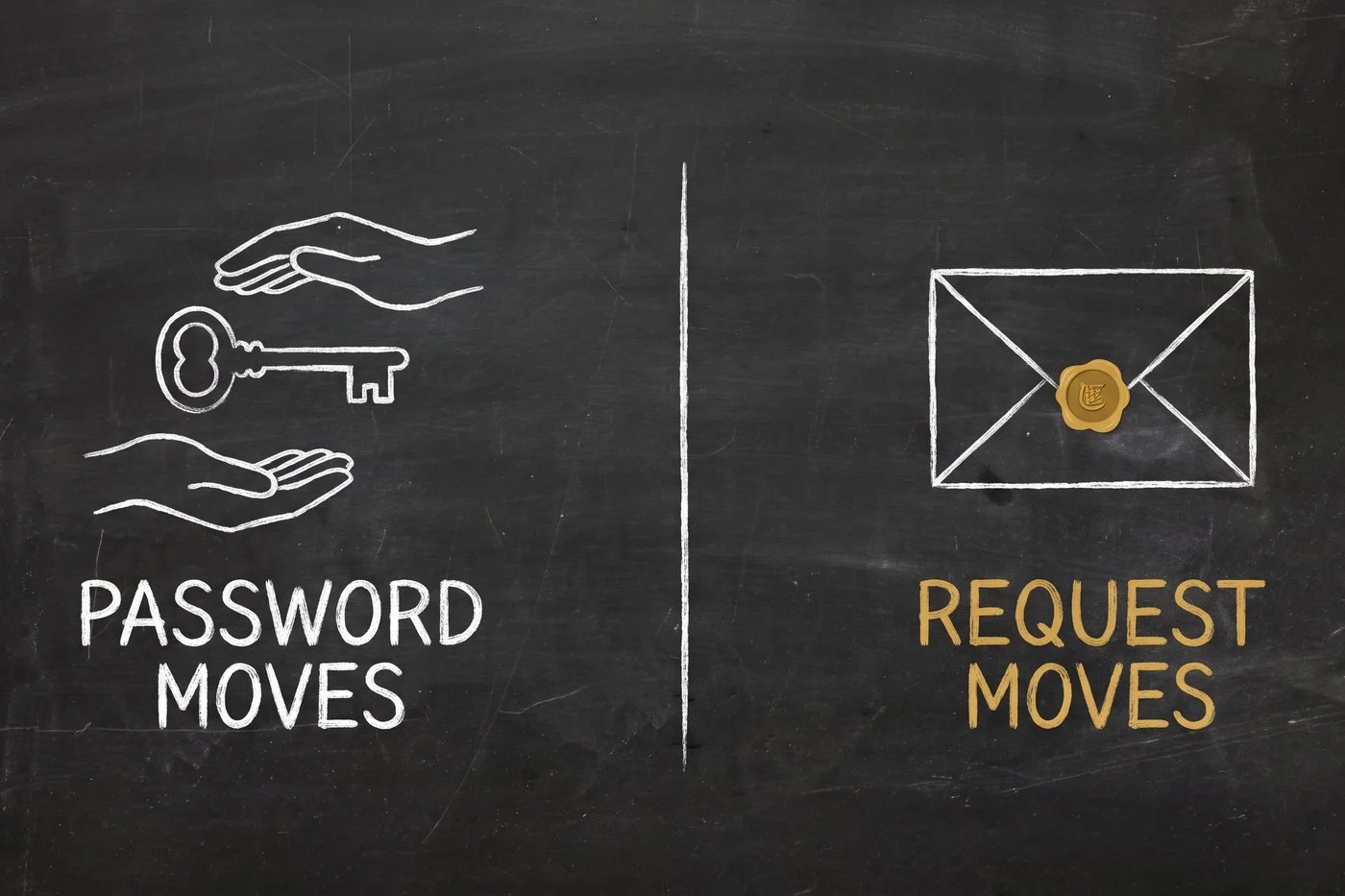
What I built instead
You send a link. They open it, paste one key, and close the tab.
That's the whole flow. In the vault, you pick the provider you need and type the email of the person who has it. They get a message with a signed link. The page it opens shows who's asking — your name, your organisation — and one field.
They fill in the field. The key lands in your pool. They never made an account, never picked a password, never saw your dashboard.

I want to be precise about that last part, because it's the whole point and it would be easy to fudge. The page the contributor lands on is not a limited view of the dashboard. It is not a guest seat. It sits outside the login entirely — the signed link is the only thing that gets them in, and it gets them in to exactly one screen that does exactly one thing.
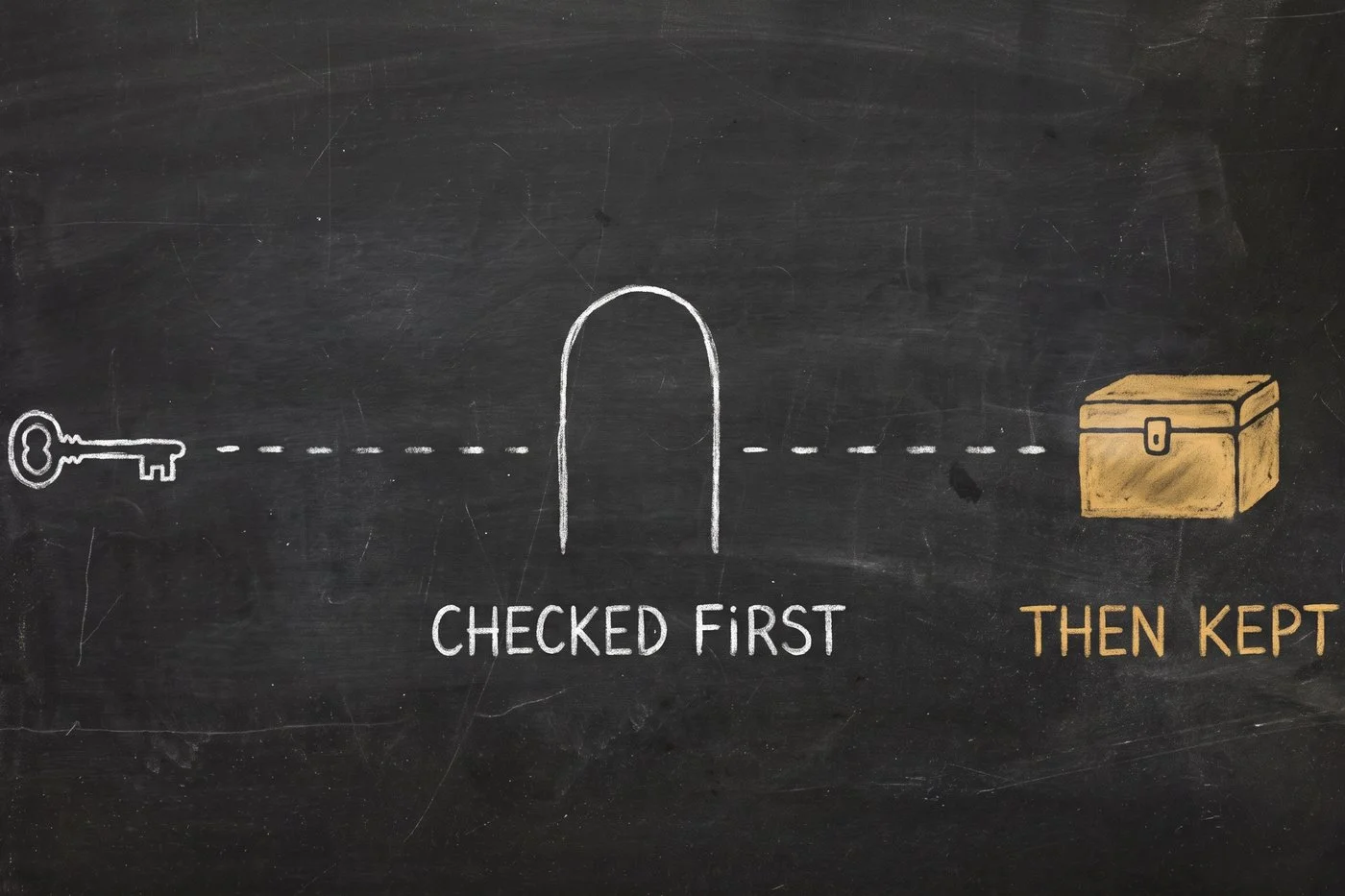
The key is checked before it's kept
Here's the part I'd have got wrong if I'd built it quickly.
When someone pastes a key, it would be easy to store it and find out later whether it works. That's how you end up with a vault full of dead credentials and a client who thinks they helped.
So the key is tested against the provider first. If it doesn't work, they're told immediately, on the page, while they still have the provider's console open in the other tab. Nothing is stored. They fix it and try again.
If it does work, it's encrypted before it's written down, and your vault shows it masked — first few characters, last few, nothing in between. It's labelled with who contributed it, so in six months you know where it came from.
One link can collect a set
Most of the time you need more than one key. Asking for them one at a time is four emails and four chances to be ignored.
So a single invite can carry a list of providers. The contributor sees the whole set with a progress bar, works down it at their own pace, and the invite only closes when the last one is in. Re-pasting a provider they already did just updates it — no duplicates, no confusion.
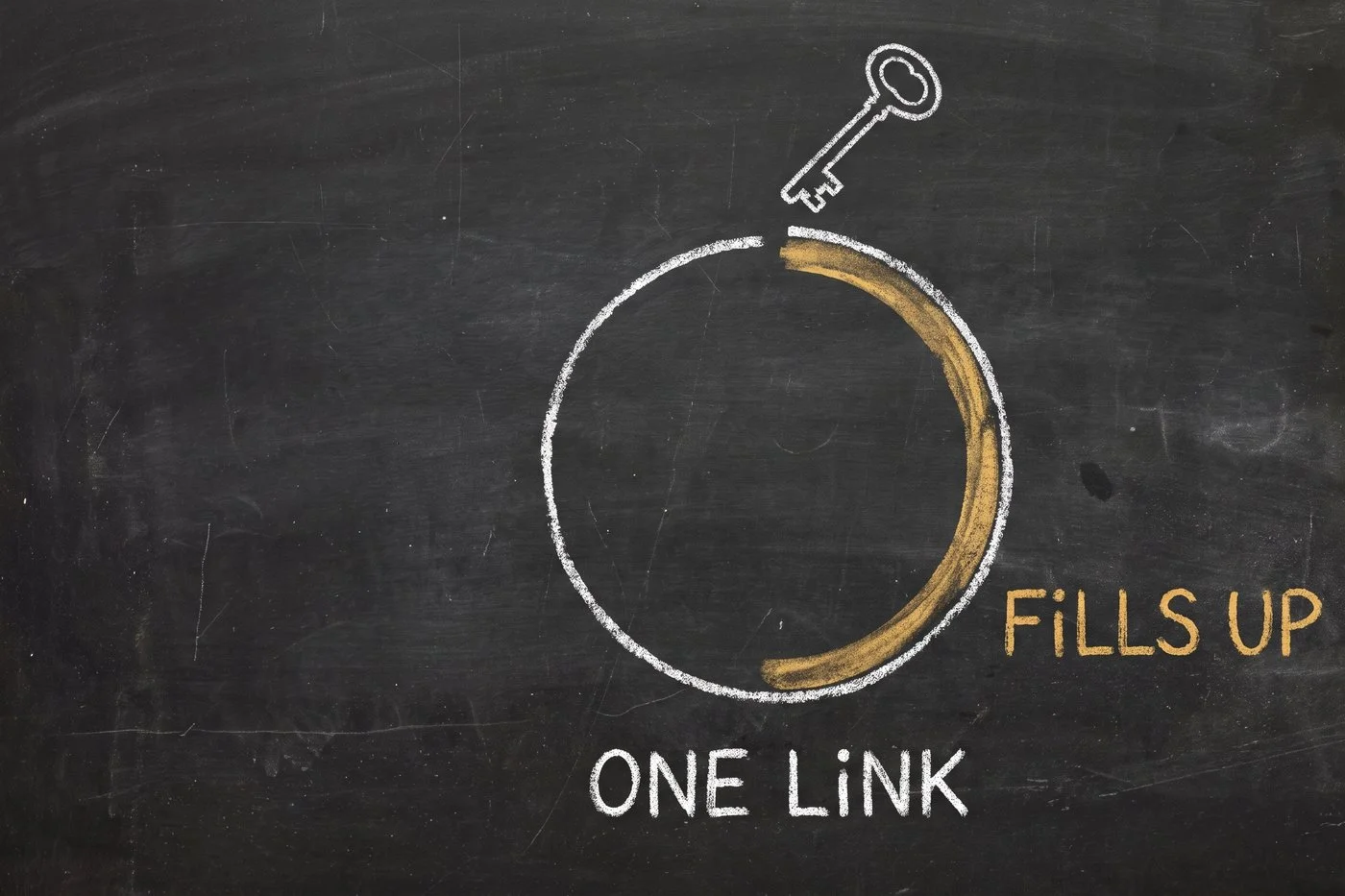
The link is good for 72 hours. You can cancel it before then, and you can resend it when it inevitably lands in a promotions folder.
What it deliberately doesn't do
I'd rather tell you the edges than have you find them.
Your agent can't send these. Issuing an invite is a human action, taken by a brand admin in the dashboard, and I built it that way on purpose. The whole point of the flow is that a credential request is signed by a person your client recognises. An agent that could mint credential-collection links on its own is a worse product, not a better one.
Not every provider is a paste-a-key provider. Some are a subscription rather than a key — there's nothing to copy, and the flow walks the contributor through connecting the account instead. A couple of connection styles are still on the bench rather than in the product; where that's the case, the page routes to the one that works rather than pretending.
It doesn't make you the owner. The credential stays your client's. They can revoke it at the provider, any time, without asking you — and if it stops working later, the person who contributed it gets a message to reconnect it in place. You never become the custodian, which was the thing you were trying to avoid at the start.
Why this is the shape it is
An agency runs on other people's accounts. That's not a flaw in how agencies work, it's what the job is.
Every tool I've used treats that as an afterthought — a seat you have to buy, a role you have to configure, a permission matrix somebody has to maintain. All of that is machinery for the case where the other person is a colleague. Your client isn't a colleague. They're a person who wants the work done and would prefer not to think about it again.
So the flow is built for someone who will spend ninety seconds on this and never come back. One link. One field. No account.
You get the capacity. They keep control. And nobody's password moved.
You'll find it in your vault, under Invite Contributor. If you want the step-by-step, it's in the manual.