

I wrote a step-by-step guide for every AI provider SpiderGate takes. The steps were easy. The fine print was not.
This month I wrote 38 guides for SpiderGate, one for every AI provider its Vault takes, plus 4 guides that connect an agent to it. Each one walks you from signing up with the provider to a working key. I wrote them from the providers' own pages, read on October 18, 2026. That came to 225 facts, and each one points back to the page it came from.
I expected the steps to be the hard part. Signup forms, card checks, phone checks, a console page that moved since last year.
They weren't. The hard part was what the providers say you are allowed to do with the key.
Here's the breakdown.
What I thought I was writing
A key guide sounds simple. You need an account. Some providers want a card. NVIDIA wants a phone number, and OpenAI does in some countries. Then you find the keys page, create a key, and copy it straight away, because many consoles show it only once.
That part took minutes per provider. The Groq guide says the whole thing takes about 3 minutes, and that is honest.
But every provider also publishes terms. And those terms decide whether the key you just made can do the job you made it for.
What the terms actually say
I put a warning box on a page wherever a provider's terms change what you should do with the key. There are 46 of them, on 30 of the 38 pages. Two patterns came up again and again.
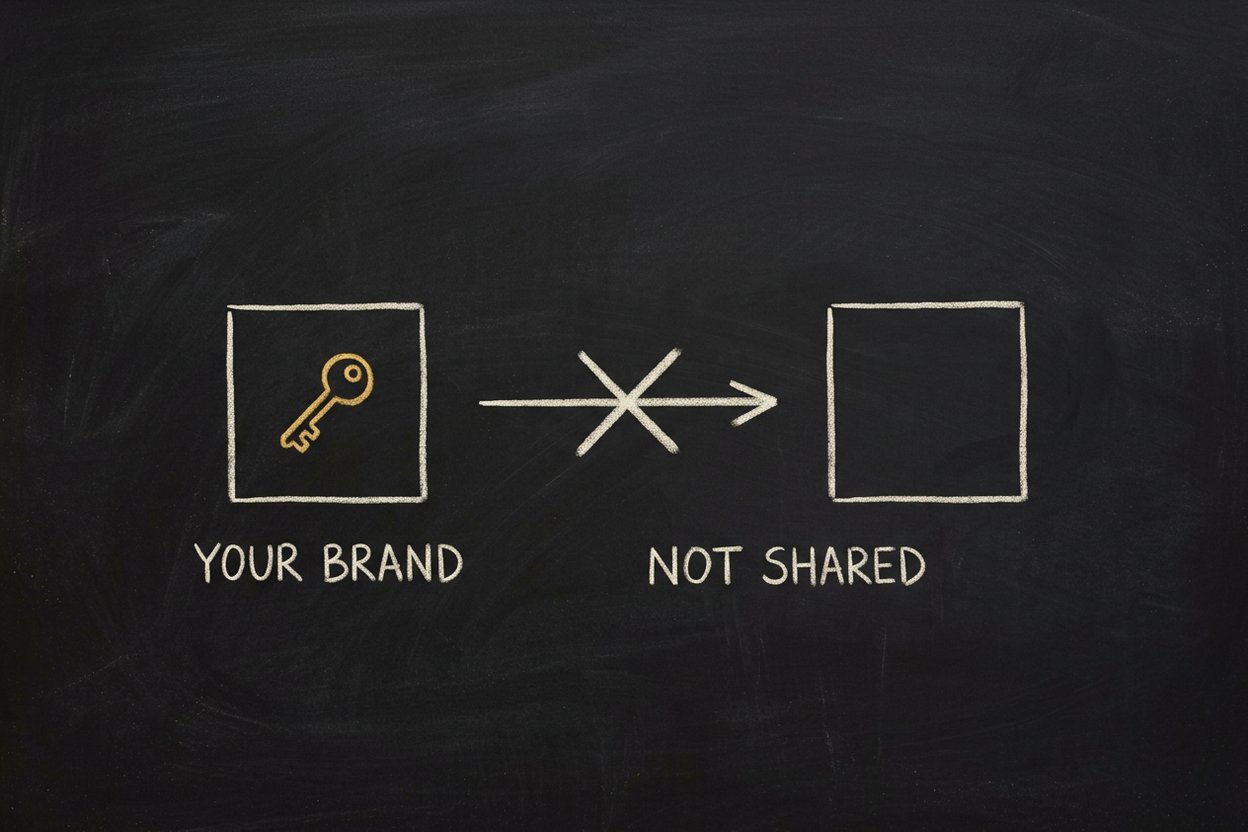
23 of the 38 say the key is yours alone. Their terms forbid sharing it, lending it or reselling access. Groq says you "may not resell or lease access to" your account. Mistral forbids you to "buy, sell, or transfer API keys". So every one of those guides says it in plain words: keep this key to your own brand.
6 of the 38 warn that the provider may keep or learn from what you send. On Google's free quota, Google says "human reviewers may read" your prompts. Mistral's free mode may train on your data unless you switch that off, and its guide walks you through switching it off before you send anything. NVIDIA's trial terms forbid personal data outright.
Here's the part that surprised me most. Some of these rules change what a key is for, not just how you treat it.
NVIDIA's trial is "for limited trial purposes only", so it is not for a product people depend on.
Google's free quota is not for apps that serve people in the European Economic Area, Switzerland or the UK.
The GLM Coding Plan from Z.ai is meant for coding tools. Its guide tells you not to run that key from n8n or your own scripts. Qwen and BytePlus say the same about their coding plans.
None of that is hidden. It is just spread across 38 sets of terms, and you only meet it after you have built on the key.
What every guide gives you now
So I moved the fine print to the page where you get the key. Every guide has the same shape, so once you have used one you know your way around all of them.

Who it's for, in one line, so you know at once if you are on the right page.
Before you begin: the account, any card or phone check, any age limit, and roughly how long it takes.
Limits and terms to know first: the provider's own numbers and rules, quoted. For Groq that is a table of requests per minute and per day for each free model.
Steps: the exact console page to open, what the key looks like (a Groq key starts with
gsk_), and where to paste it in SpiderGate.Verify it worked: what you see when the key is good.
Troubleshoot: the errors you are most likely to hit, what each one means, and what to do.
The 4 agent guides cover OpenClaw, Hermes, n8n and Cursor. Each one shows how to mint a SpiderGate agent token, where to put the SpiderGate address, and how to check that the first request went through.
The check before the save
One part of every guide is not just text.
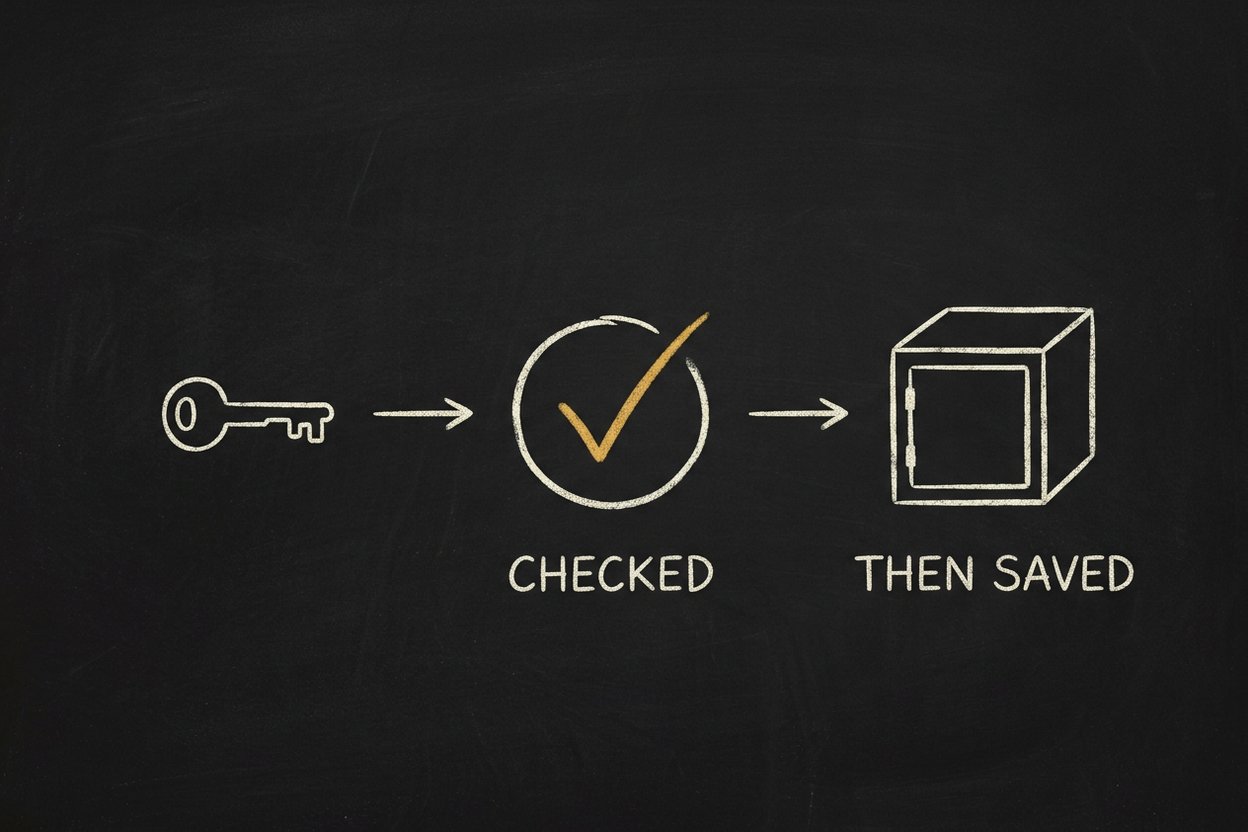
When you click Add key in the Vault, SpiderGate sends one request to the provider with that key before it stores anything. For Groq, it lists your models. If the provider accepts the key, the key lands in your Vault. If it does not, nothing is saved and you see a message like this:
The groq key did not pass its check: Invalid API key (401 Unauthorized). Nothing was saved.The reason is written in SpiderGate's own words, never the provider's raw error. Each guide tells you what each reason means. A 401 means the key is wrong, so copy it again. A 402 means the account behind it has no credit left.
Why this matters
A key is not just a password. It comes with rules about who may use it, what it may power, and what the provider keeps.
It is easy to learn those rules the hard way, after an agent is built on the key or client data has already gone through a free tier. I would rather you read the rule on the same page where you get the key.
That is what these 42 pages are for.
Try it
All 38 are at gate.spideriq.ai/docs/providers. If you do not have a key yet, the Vault groups the free ones together, and the Groq guide is a good first one.
For an agent, start at gate.spideriq.ai/docs/agents.