
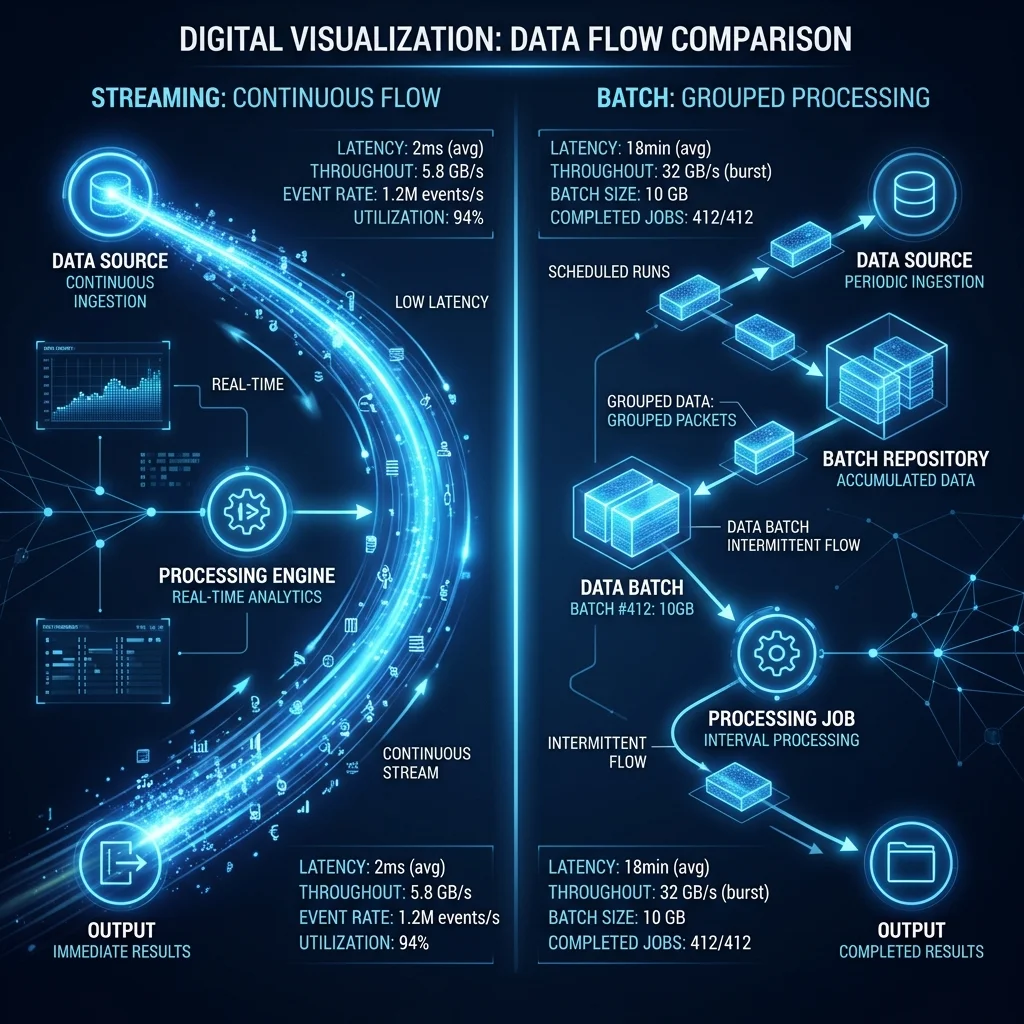
Streaming vs. Batch: Choosing the Right LLM Delivery Mode for Your Agents
Streaming every LLM response is wasteful. Batching everything adds unnecessary latency. The optimal delivery mode depends on what your agent does — and SpiderGate lets you configure this per agent, per task, or per request.
The Three Modes
Streaming
Tokens are delivered as they're generated. The agent starts processing before the full response is complete.
Best for:
Customer-facing chatbots (perceived speed)
Real-time translation agents
Interactive coding assistants
Trade-offs:
Higher connection overhead
More complex error handling
Cannot benefit from response-level caching
Batch
The complete response is generated, then delivered as a single payload.
Best for:
Document processing agents
Data extraction pipelines
Background analysis tasks
Agents that need the complete response before acting
Trade-offs:
Higher perceived latency (time to first token = time to complete)
Simpler to cache and retry
Lower connection overhead
Hybrid
SpiderGate buffers tokens until a semantic boundary (sentence, paragraph, or custom delimiter), then delivers in chunks.
Best for:
Agents that process response sections independently
Summary generation with progressive updates
Agents feeding downstream systems that batch-process
Configuration
agent: customer-support-bot
delivery:
  mode: streaming
  buffer_size: 0  # immediate delivery

agent: document-analyzer
delivery:
  mode: batch
  timeout: 30s

agent: report-generator
delivery:
  mode: hybrid
  chunk_boundary: paragraph
  max_buffer: 500_tokens
Performance Comparison
| Metric | Streaming | Batch | Hybrid | |--------|-----------|-------|--------| | Time to First Token | ~200ms | ~2000ms | ~500ms | | Connection Overhead | High | Low | Medium | | Cache Hit Rate | Low | High | Medium | | Error Recovery | Complex | Simple | Medium | | Cost per Request | Baseline | -5% | -3% |
When to Switch Modes
SpiderGate supports dynamic mode switching based on:
Request payload size (large prompts → batch)
Time of day (peak hours → batch for background agents)
Provider load (high load → batch to reduce connection pressure)
Agent priority (critical → streaming, low → batch)
Delivery mode configuration is available in SpiderGate V2.0+.