
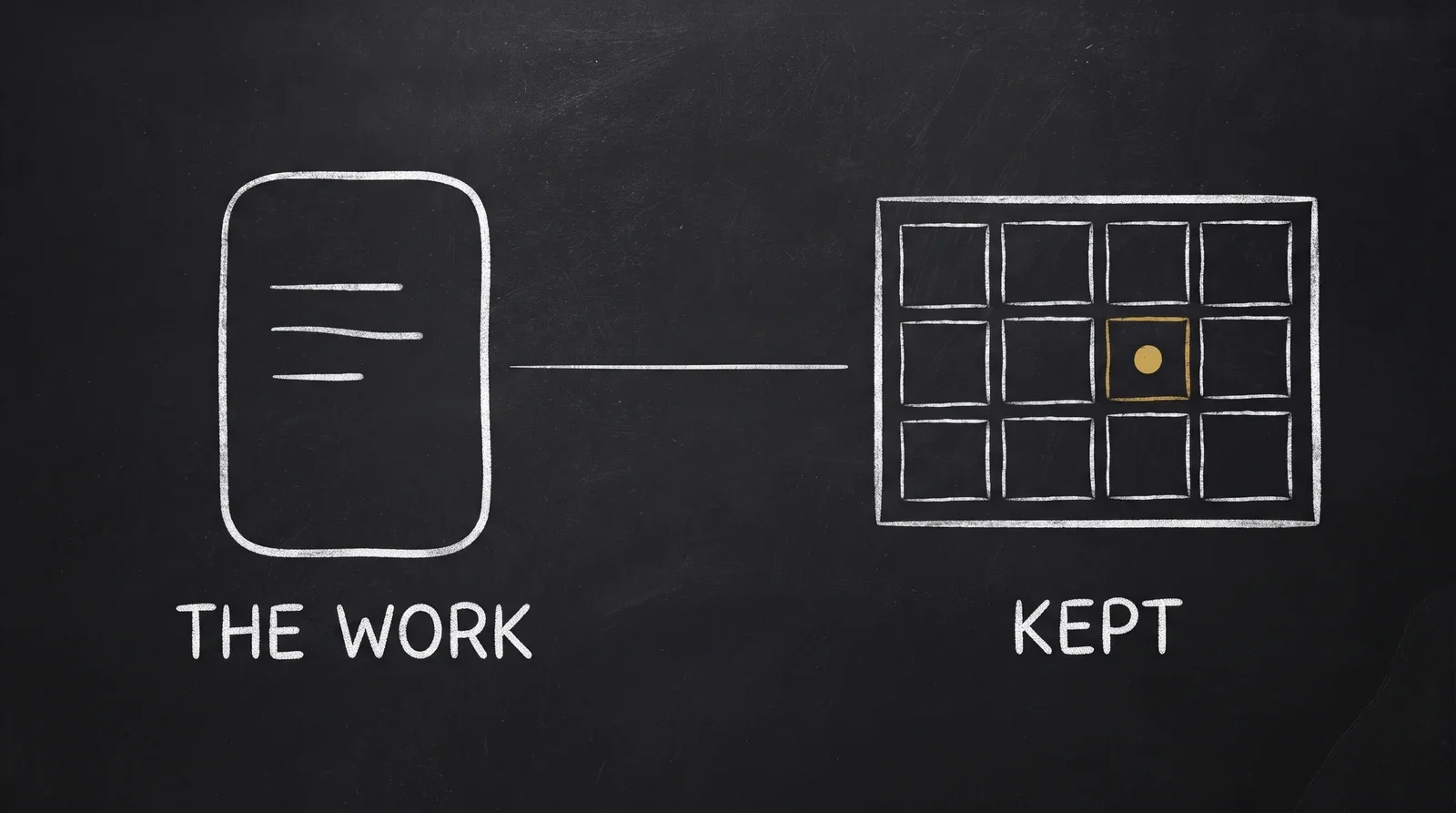
Most AI tools treat a prompt as text you paste. You tune the wording, pick a model, nudge the temperature, attach a reference image. You get an output you like. Then the whole arrangement evaporates.
What survives is a few hundred characters in a scratch file. The model it was written for, the settings it depended on, the image it worked from: gone.
I built the SpiderGate Studio to stop losing that. A prompt stops being text and becomes an object — one you reload in a click, and one your agents call by name.
A prompt is four things, not one
The reason a pasted prompt disappoints is that the text was never the whole thing. A result you liked came from four things together, and reproducing it needs all four:
the system prompt — the instructions
the model it was written for
the settings it depended on — temperature, aspect ratio, seed, voice
any reference media attached to it
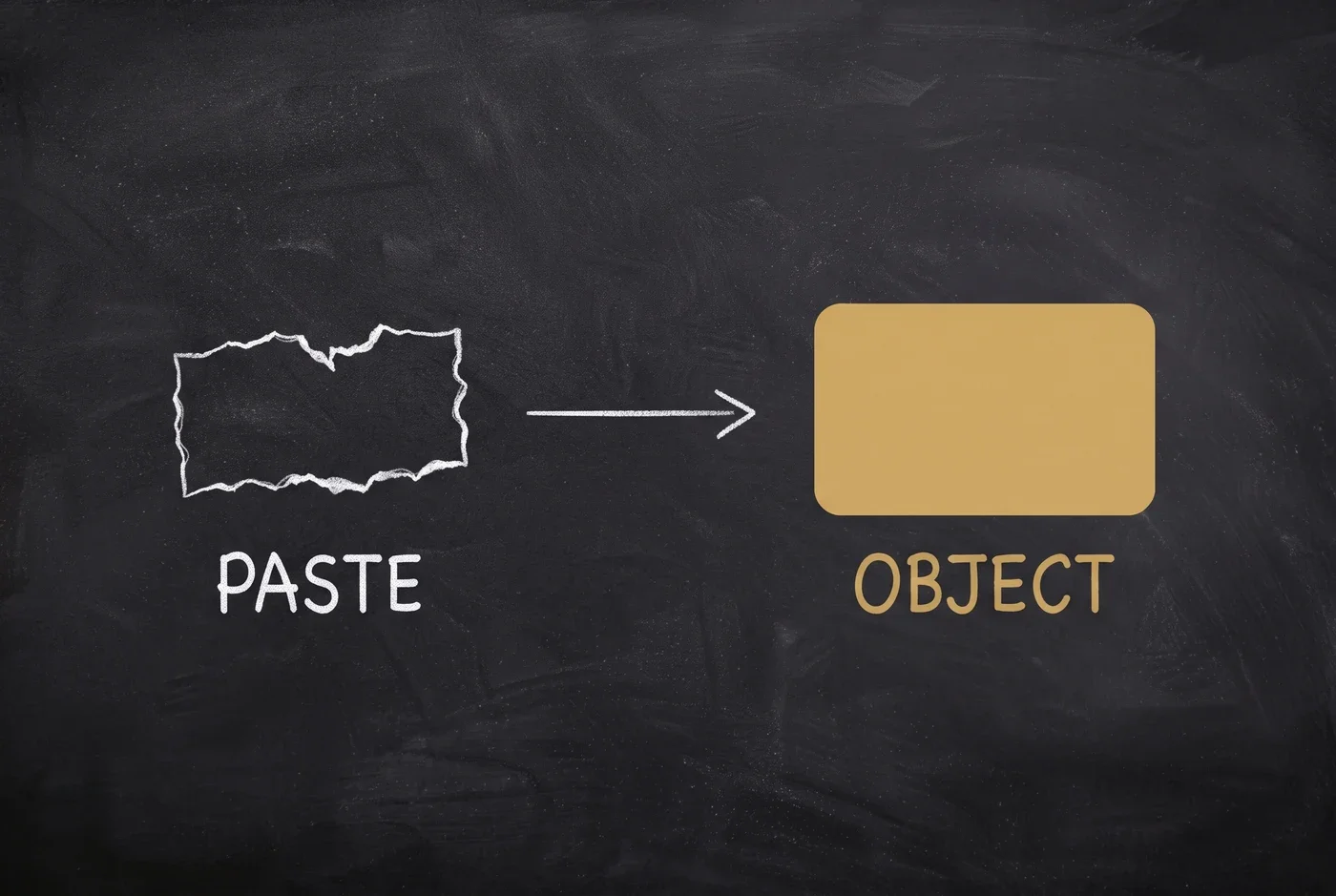
Saving captures all four from the composer as it stands. Reloading puts all four back. Nothing to reconstruct from memory, nothing to guess about which model produced last week's good run.
Saved prompts live inside a project, so each project carries its own working set instead of one global list that rots into a junk drawer. Names are unique inside a project. Save a second prompt under a name you already used and you get a refusal, not a silent overwrite.
The same object, from the dashboard and from your code
Here is the part that makes this more than a convenience button. A saved prompt is addressable, and the gateway expands it server-side.
Anything holding your API key — an agent, a script, our CLI, our MCP tools — puts a reference in the prompt field instead of repeating the contents:
{ "prompt": "prompt.venue_blurb" }Two forms, and the difference matters:
prompt:<id>— the stable id. It resolves anywhere in your workspace, no project needed. Use this for anything that runs unattended.prompt.<handle>— the human form, resolved inside a project, so the request has to name the project. The handle is your prompt's name lowercased, with spaces and punctuation turned into underscores. Venue Blurb becomesprompt.venue_blurb.
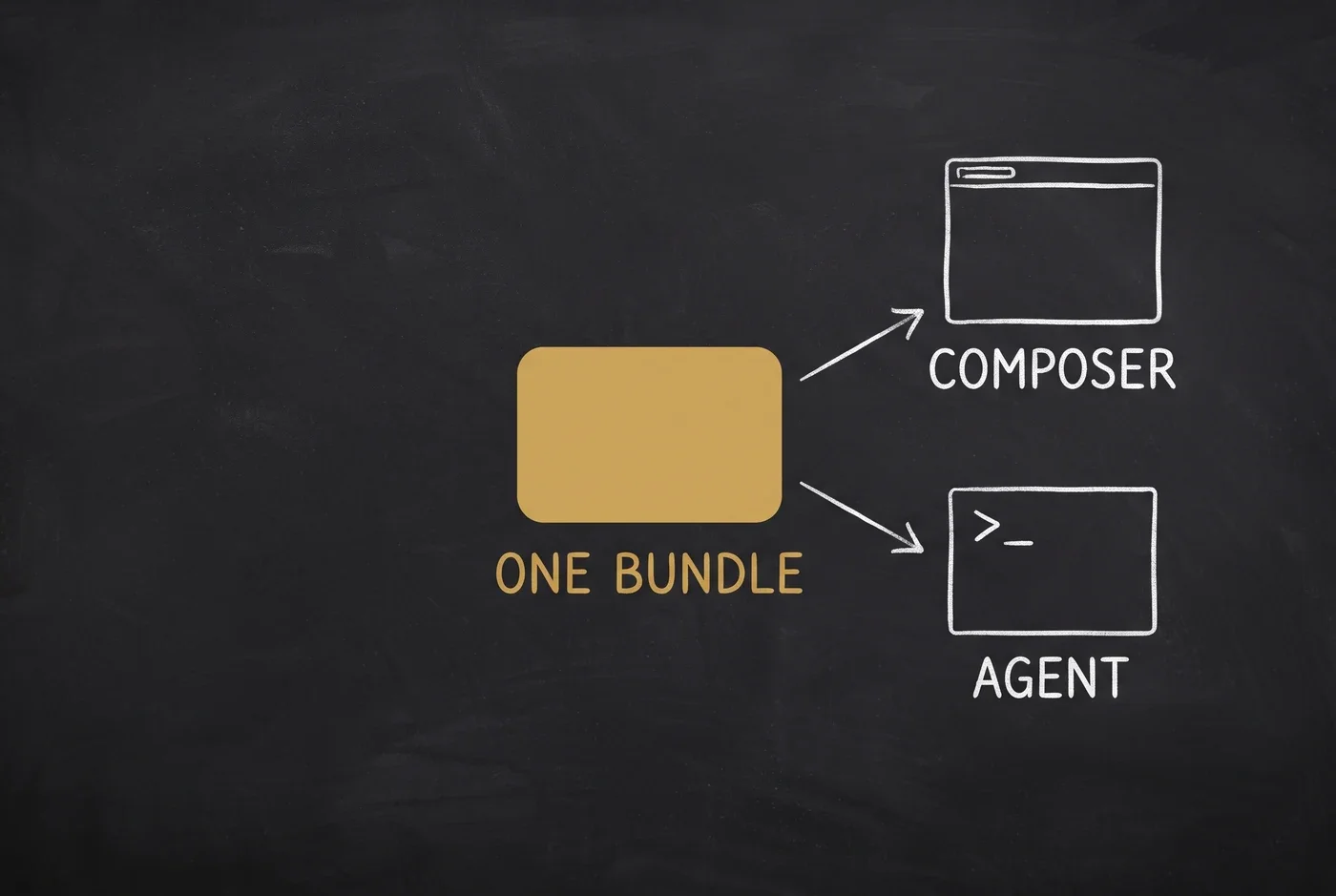
Because expansion happens on the server, the bundle your designer refined this morning is the bundle your pipeline runs tonight. There is no second copy drifting inside your codebase. Update the prompt and every caller updates with it.
Overrides that don't fight you
A shared default is only useful if you can deviate from it. So the rule is simple: anything the request sets itself wins.
Send your own model or a different temperature alongside a prompt reference and your values stay. The saved prompt fills the blanks and nothing else.
That makes a saved prompt a sensible default you override per call, not a straitjacket you fork to escape. One bundle serves the careful production path and the quick experiment.
Failing loudly beats failing quietly
An addressable object has to behave like one when the address is wrong.
A reference that does not resolve is an error. You get a 404 when nothing matches, a 409 naming both candidates when two prompts share a handle, and a 400 when you send the project-scoped form without a project. The gateway never guesses which one you meant.
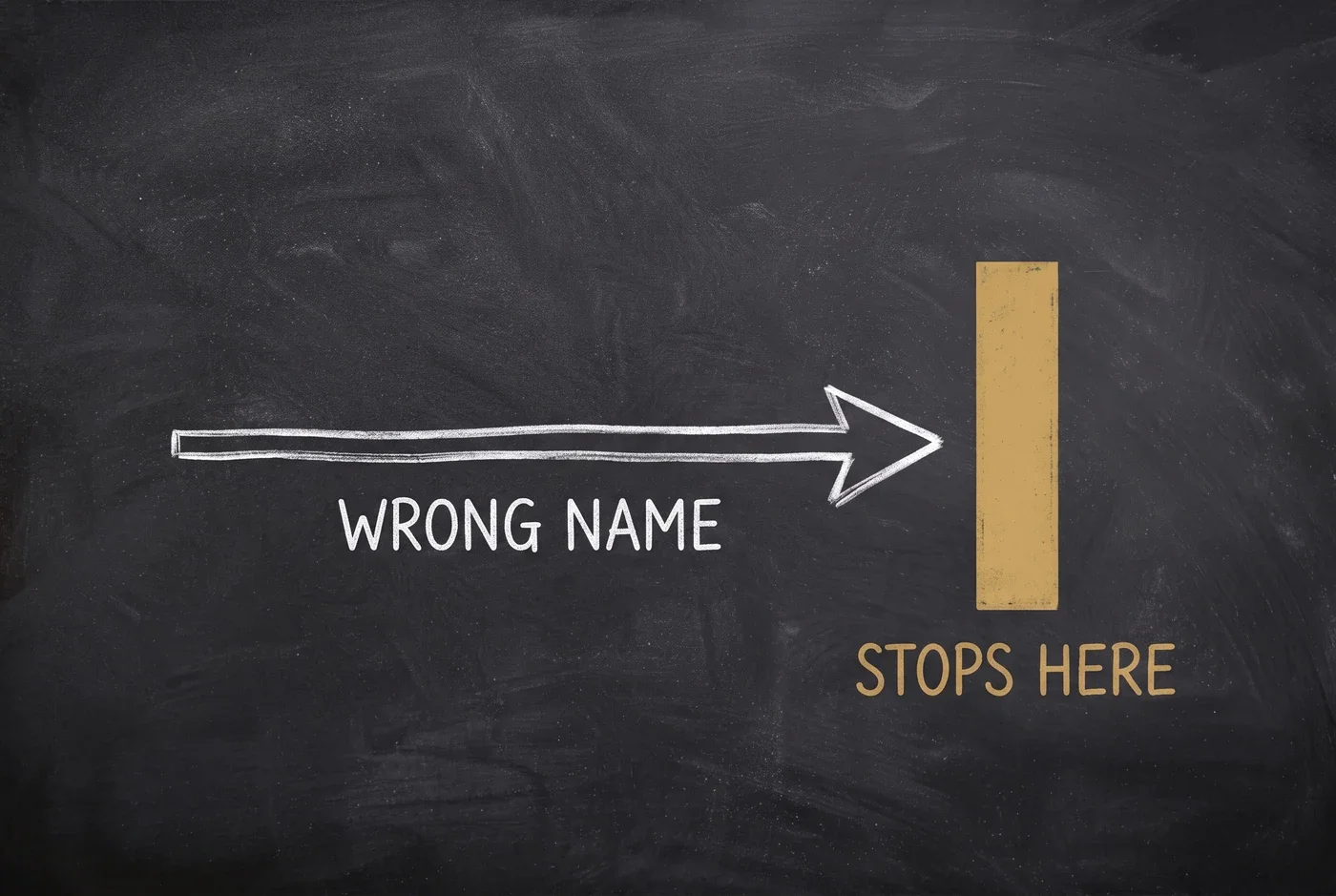
That replaced a worse behaviour. A mistyped reference used to be treated as ordinary prompt text, so the run went ahead — quietly, without your saved model, settings or reference media. You got output that looked fine and came from the wrong recipe. A loud 404 costs you thirty seconds. A silent wrong recipe costs you an afternoon.
Ask three models at once
The composer runs in three modes, and switching is one click.
Single is one model. Fork sends one prompt to several models and streams the answers side by side, so you read every lane yourself. Merge does the same, then passes those answers to one more model that synthesizes a single reply — the raw lanes stay behind a toggle so you can check its work.
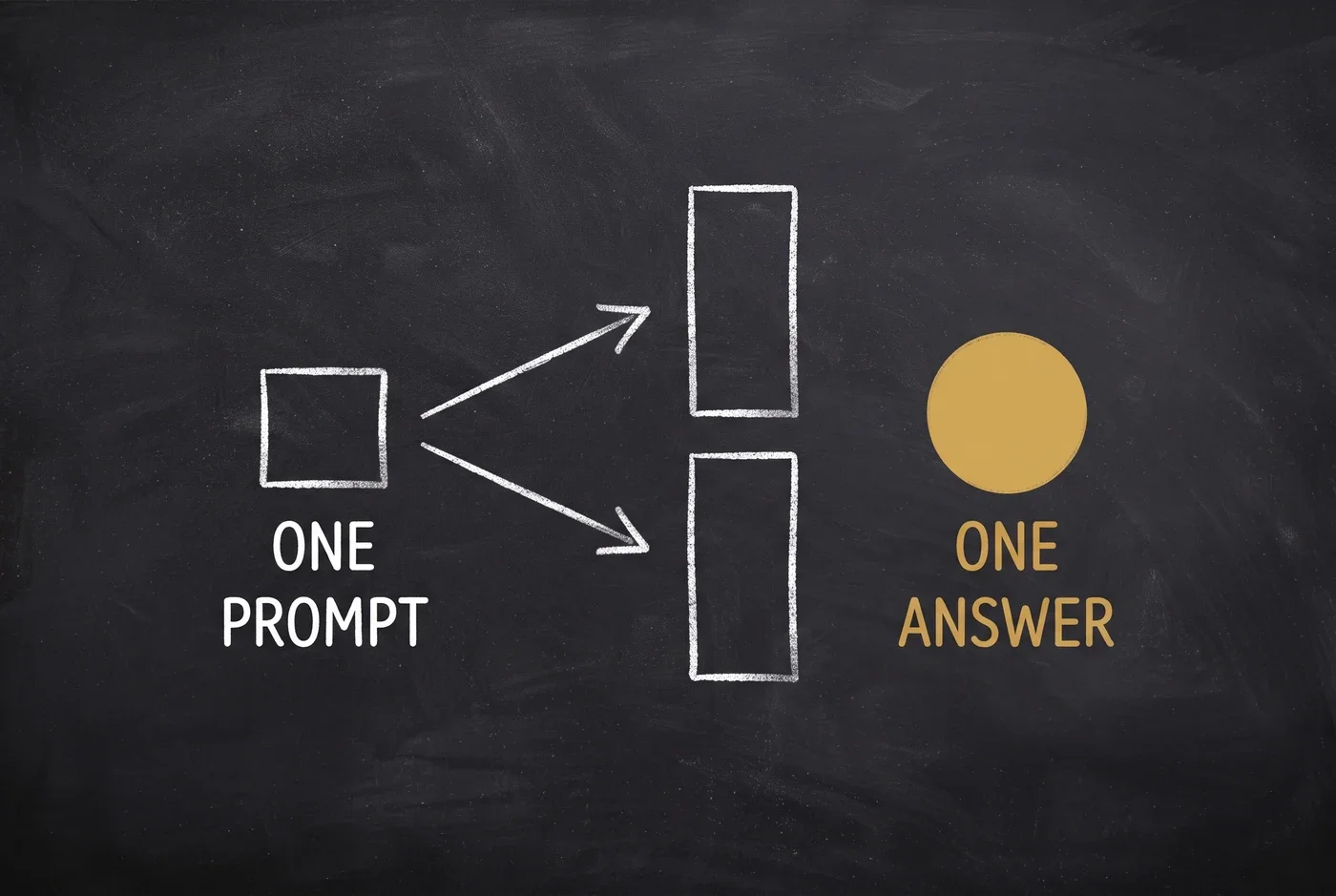
Fork and Merge run on presets — Quality, Budget, Fast — or on models you pick yourself, up to five lanes. A dead lane renders an error card and its siblings still finish. Each lane is a normal request, so each one is priced, logged and traced on its own.
The project keeps the work
A project is the container the rest of it hangs from. It holds your conversations and every generation you have made, newest first.
Click a past generation and Reuse loads its whole recipe back into the composer — prompt, model, aspect ratio, settings — so you can change one word and run it again. Use as reference attaches the generation itself to your next run.
Reference images are picked from a visual grid rather than a filename chip. When a model cannot accept one, the button is visible but disabled with a reason — a missing button reads as a bug, a disabled one tells you to switch models. That gate reads the model's declared inputs, not its category label, because those disagree more often than you would like: of the 33 media models live today, only three declare an image input.
Every run leaves a trace you can open — which model actually served it, how long it took, what it cost.
What you can point it at
As of 10 August 2026 the catalogue carries 1,216 models you can switch between mid-conversation, and 33 active media models across image, video and audio — served through providers including OpenAI, Google, xAI, fal.ai and kie.ai, with your own keys or ours.
Try it
Open your dashboard and go to SpiderGate → Chat. Get one composer setup exactly the way you want it, then open Prompts → Save current setup and name it. Call it from an agent an hour later and you will get the same bundle back.
The full walkthrough is in the Studio guide.